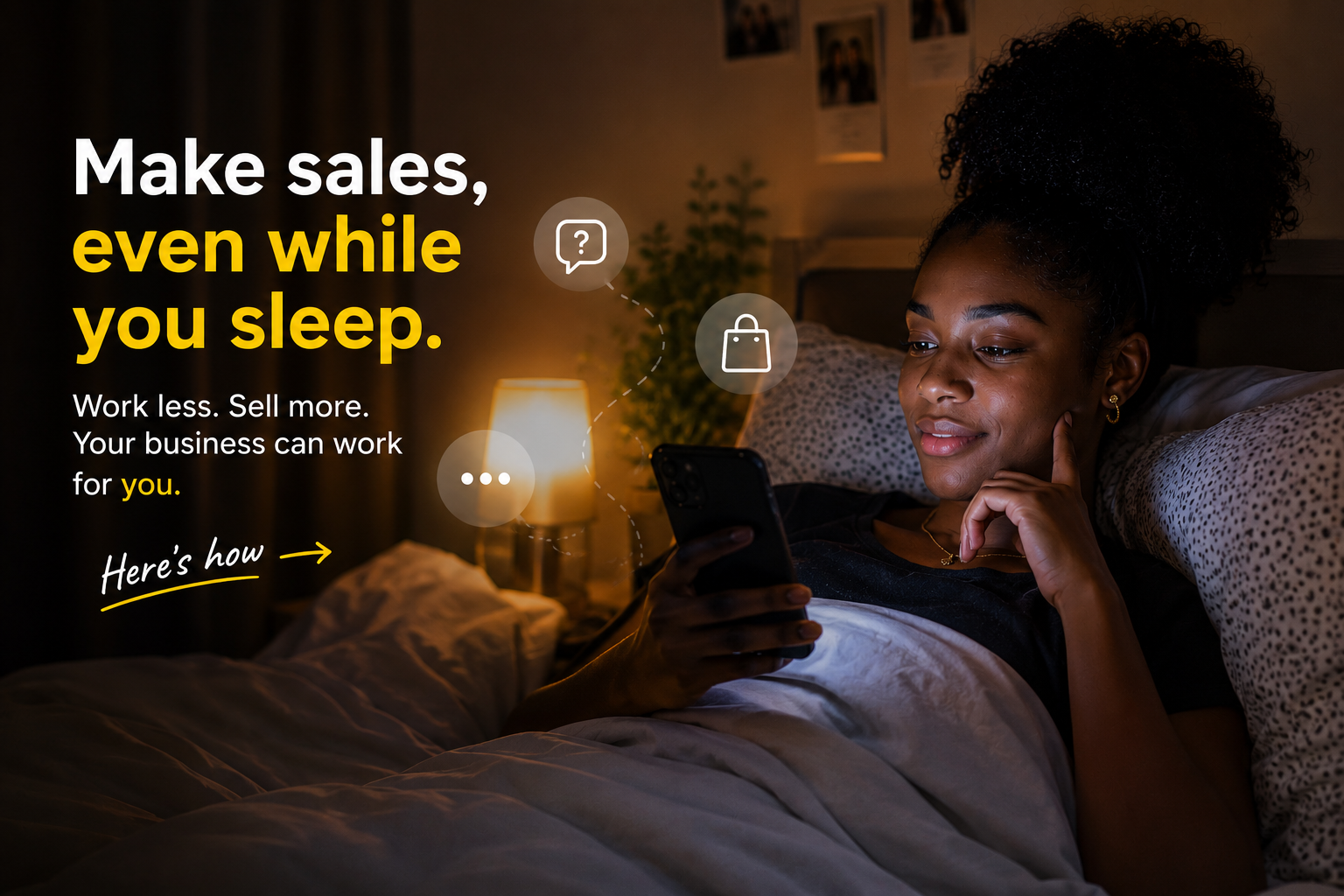
There’s a special kind of excitement that comes when someone sends you:
“How much is this?”
Or…
“Do you have this in blue?”
Before you know it, you’re replying to dozens of messages, answering the same questions over and over again, and you even lose track of time.
The funny thing is, those conversations feel productive, but many of them are just too repetitive. Time you could have spent finding new customers, improving your products, or simply getting some rest disappears into answering the same questions.
The good news is you don’t have to be online 24/7 to make money. In this article, you will see how exactly to do that.
If you sell on WhatsApp or Instagram, come closer.
Step 1: Get an Online Store
First, you’ll need a link to your online store.
If you don’t have one yet, read this guide to create your online store first.
Your store becomes the place where customers can browse products, see prices, check available colours or sizes, and place orders by themselves and for themselves.
Now comes the fun part. Get the link to that online store, and let’s go to the next step.
Step 2: Set Up Your Peace of Mind Responses
Both WhatsApp and Instagram let you create automatic or saved replies for common questions.
Think about the messages you receive every day:
What Colour is available
Do you have Size 8?
Instead of typing the same answers repeatedly, create responses that point customers to your store.
How to Set Up Auto-Reply on Instagram: 5 Steps
Setting up automated messages is quite easy to do, though it requires some setup upfront
Step 1: Switch to a Business or Creator Account
The feature is associated with a business or creator account. Toggle from your personal account to the other by going to Settings-Accounts and then select either “Switch to Professional Account” or “Switch to Creator Account.” Going forward, you’ll access this functionality via the three horizontal lines in the top right corner.
Step 2: Find saved replies
Navigate to “Settings,” then select “Business” (or “Creator”) as appropriate.
Find “Saved Replies” and tap the “+” Icon to create a new one. Go ahead to type in your message.
Step 3: Enter a Shortcut Word and the Message You Want to Auto-Reply
Start by inputting a shortcut word and your intended message. This shorthand will trigger the automated response. For example, ‘price’, ‘colour ’, and all that apply, as you don’t want this message for every conversation.
Step 4: Save Your Reply
If you’re satisfied with what you’ve written, hit “Save” to add it. It’s best to have a host of saved replies that match the situation and tone, that way, you’re prepared for a host of scenarios.
Step 5: Don’t forget to Test Your Auto-Reply
Send a direct message to your account to see your auto-reply in action. This is a great way to confirm that the right saved reply is triggering correctly.
How to Set Up Auto-Reply on WhatsApp: 2 Simple Steps
First of all, make sure you meet these requirements:
- Have the WhatsApp Business app installed (not the personal version of WhatsApp). You can download it for free on Google Play or the App Store.
- Fill in your business profile (name, address, description, hours).
Step 1: Access the settings
Tap the three vertical dots (Android) or Settings (iOS).
Select Business Tools. Here you will see the options for Away message and Welcome message.
Step 2: Activate the away message
- Tap Away message.
- Toggle on Send away message.
- Tap the pencil icon to edit the message text.
- Configure the schedule
- Select the recipients
- Tap Save.
Let’s play a scenario:
It’s 2:07 am.

Mabel is scrolling through Instagram and sees your ad for a red dress, then quickly sends a DM:
“Hi Midee Fashion House. Do you have this in blue colour?”
Your automatic reply could say:
“Hi! Thank you for reaching out 😊. We try our best to respond to every message within 24 hours. However, if you need anything urgently, you can see all available colours and sizes and place your order here: [Your Store Link].”
She taps the link, sees every available colour, adds her favourite to the cart, then checks out.
And just like that…
You’ve made a sale while you were fast asleep.
What Else Auto-Reply Can Handle for Your Business
The same idea works for almost every common question.
Instead of answering one customer at a time, let your store do the talking.
Customers can:
- See prices instantly.
- Check what’s in stock.
- Browse different colours and sizes.
- Order whenever it’s convenient, even at midnight.
- Complete payment without waiting for a reply.
That means fewer back-and-forth messages and faster buying decisions.
Benefits of Automating Customer Replies
Yes, making money while you sleep sounds nice.
But the bigger win is getting your time back.
When you’re not buried in repetitive chats, you can spend your energy on things that actually grow your business, like creating better products, finding more customers, improving your delivery experience, and planning your next big move.
Your customers also enjoy a smoother experience because they don’t have to wait hours for a simple answer.
A win-win if you ask me.
Ready to Get Your Time Back?
If you don’t have an online store yet, now is a great time to create one.
Get your instant shareable store link, start directing customers there, and let your business keep working, even when you’re not.
Leave a Reply