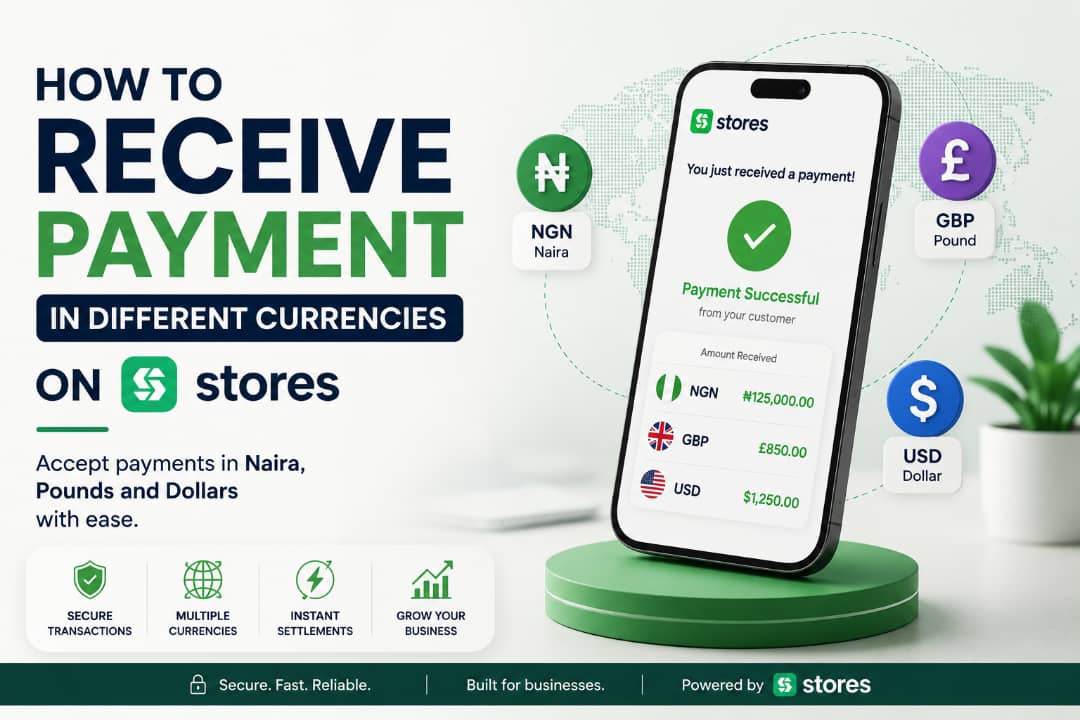
More Nigerians in diaspora are looking for authentic products from home, and global consumers are increasingly discovering and falling in love with Nigeria’s unique offerings. This is fast becoming a trend. Data from the NIS’s Migration Information Data Analysis System (MIDAS) shows that 3,679,496 Nigerians left the country in the last three years. As more Nigerians migrate to countries like the United Kingdom and the United States, the need to buy and ship goods easily becomes even more important, and letting customers pay in their own currency makes that process seamless.
Take John, for instance, who makes handmade shoes in Lagos. After a customer in Houston found him on Instagram and asked to buy three pairs, John got stuck. What currency should he use, Naira or Dollar? How would his customer even pay?

Many Nigerian business owners face this challenge: while demand exists, selling to eager international customers has been difficult. One of the biggest roadblocks is payment collection. When a customer in London or New York wants to buy your products, they expect to pay in their local currency, with their preferred payment method.
With Stores, you can set a currency based on where your customers are, and they can pay in that same currency. No calculations needed.
Choosing the Right Currency for Your Store
It’s important to set your currency based on what your customers actually want, not just what’s convenient for you. If you’re based in Nigeria and your active customers are in the UK, you can set Pounds as your default currency instead of Naira.
Keep in mind that whatever currency you choose becomes the pricing currency displayed across your entire storefront, so you don’t have to manually convert or calculate exchange rates with them.
How to Set Up Your Store With Your Preferred Currency
If you’re not yet on Stores, here are the steps to sign up and pick the currency you want displayed on your online store:
Step 1: Create a Store With Your Preferred Currency
Select “Create Your Store Now” on our website, fill in the required fields, and make sure your currency is accurately selected during setup.
Step 2: Add Your Products
Proceed to add your products with accurate pricing in that currency. If you’re converting prices from Naira, double-check the prices so you don’t undersell or overcharge.
Voila! Your online store is now set up in your preferred currency, ready to sell to customers.
How to Change Your Store’s Currency
Already set up but need to switch currencies? It’s just as simple:
Step 1: Edit Your Currency
On your Stores Dashboard, go to “Online Store,” then “Edit Store,” and select your preferred currency. Save the changes so it reflects on all products going forward.
Step 2: Update Your Products
Proceed to add or edit your products with accurate pricing in the new currency. Again, if you’re converting, make sure your math is correct so your margins stay intact.
A Quick Note on Naira and the Law
According to Section 20(5) of the Central Bank of Nigeria Act 2007, refusing to accept the Naira as a means of payment within Nigeria is an offence, carrying a fine of ₦50,000 or 6 months’ imprisonment. This applies to transactions happening within Nigeria. For example, refusing Naira from a Nigeria-based customer paying you in person or locally. It doesn’t restrict you from pricing and receiving payment in foreign currency from customers who are genuinely based abroad and paying through international channels.
Final Words
Selling to your customers in other cities shouldn’t be a matter of them calculating prices just because the price isn’t in their currency. Change your currency to what suits them, and let Stores handle the display, so your customers see exactly what they expect to pay, no mental math required.
Leave a Reply